01/ 03
A closer look? Click an image.Canvas — your creative workspace
Connect ideas, references and results in one canvas.
Open CanvasExplore features
- One workspace
- Arrange prompts, images, video and audio on a flexible canvas.
- Connected workflows
- Connect generation and editing steps, and reuse your results.
- Timeline & export
- Assemble your media on the timeline and export your project.
Studio — full control
Every model, every parameter, your own prompt.
Open StudioExplore features
- Every model
- Image, video and audio models in one picker — not a curated shortlist.
- Every parameter
- Resolution, aspect ratio, duration, variant count. Nothing hidden behind a preset.
- Your own prompt
- Write it yourself, attach reference images, and reuse what worked.
Try the generator
Describe it, pick a model, and generate images or short videos.
Open the generatorSupported modes
Text to imageImage to imageText to videoImage to videoLip syncAI music
JUST ADDED · SAND AI
MAGI-2Make the scene. Hear the story.
Start with a prompt, a first frame, or a collection of references. Create 4–30 seconds of 1080p video with dialogue, effects and ambience in the same generation.
MAGI-21080p / 4–30s
01
Describe a scene
Text → video
02
Set the frames
First + optional last frame
03
Bring references
Up to 10 images / 5 videos / 5 audio clips
Native sound · Optional silent output · Credits shown before generation
GPT Image 2Nano Banana ProNano Banana 2Nano BananaQwen Image 3.0Qwen Image 3.0 ProSeedream 5.0Z-Image SpicySeedream 4.5Seedream 5.0 LiteSeedream 4.0ByteDance SeedreamFlux 2 ProFlux 2 FlexGPT Image 1.5Imagen 4Ideogram V3Recraft V3Z-image TurboRunway Gen-4Grok ImagineQwen Image EditQwen Image Edit IIMAGI-2Seedance 2.5Seedance 2.5 IIMiniMax H3Seedance 2.0Seedance 2.0 FastSeedance 2.0 MiniSeedance 1.5 ProHappy Horse 1.1Wan 2.7 IIKling 4.0 · KIEKling 4.0 · GenGenKling 3.0Kling 2.6Kling V3 TurboKling 2.5 Turbo ProKling 2.1Seedance 2.0 IISeedance 2.0 Fast IISeedance 2.0 Mini IIVeo 3.1Veo 3 FastWan 2.7Gemini Omni VideoGrok VideoImagen Video 1.5Hailuo 2.3Hailuo 2.3 FastHappy Horse 1.0OmniHuman 1.5 (数字人)Suno V5Suno V4.5Eleven Multilingual v2Eleven Turbo v2.5Eleven Dialogue v3GPT Image 2Nano Banana ProNano Banana 2Nano BananaQwen Image 3.0Qwen Image 3.0 ProSeedream 5.0Z-Image SpicySeedream 4.5Seedream 5.0 LiteSeedream 4.0ByteDance SeedreamFlux 2 ProFlux 2 FlexGPT Image 1.5Imagen 4Ideogram V3Recraft V3Z-image TurboRunway Gen-4Grok ImagineQwen Image EditQwen Image Edit IIMAGI-2Seedance 2.5Seedance 2.5 IIMiniMax H3Seedance 2.0Seedance 2.0 FastSeedance 2.0 MiniSeedance 1.5 ProHappy Horse 1.1Wan 2.7 IIKling 4.0 · KIEKling 4.0 · GenGenKling 3.0Kling 2.6Kling V3 TurboKling 2.5 Turbo ProKling 2.1Seedance 2.0 IISeedance 2.0 Fast IISeedance 2.0 Mini IIVeo 3.1Veo 3 FastWan 2.7Gemini Omni VideoGrok VideoImagen Video 1.5Hailuo 2.3Hailuo 2.3 FastHappy Horse 1.0OmniHuman 1.5 (数字人)Suno V5Suno V4.5Eleven Multilingual v2Eleven Turbo v2.5Eleven Dialogue v3
THE POSSIBILITY INDEXExplore the creative lab
Less ordinary.
More possibility.
Make something worth a second look. Explore the image, discover the prompt, then make the idea your own.
ORIGINAL CONCEPTS · PROMPTS INCLUDEDAI creative concepts. Open any image for the complete prompt and suggested settings.Your next idea starts here.
FRESH DIRECTIONS. READY TO REMIX.Browse all templates
Start from a template
Pick a look and let AI fill in the rest — no prompt-writing required.
 IMAGE
01 / E-commerce
Luxury Cosmetics Visual
Beauty brands, premium product pages
 VIDEO
02 / Ad Creative
Cinematic Car Commercial
Auto ads, high-end brand films
 VIDEO
03 / Ad Creative
Perfume Blooming Flowers Video
Beauty & fragrance ads
 IMAGE
04 / E-commerce
AI Fashion Model Try-On
Apparel listings, lookbooks
 IMAGE
05 / Film
Cyberpunk Neon Alley
Sci-fi concepts, game art, key visuals
 IMAGE
06 / Just for Fun
Miniature Food World
Creative feeds, food art
 IMAGE
07 / Anime
Mecha Hangar Reveal
Mecha IP, game splash art
 IMAGE
08 / E-commerce
Jewelry Macro Detail
Jewelry stores, luxury goods
THE RIGHT MODEL FOR EVERY IDEA01 / THE MODEL LINEUP
Best models, one place
Intelligent routing across top image and video models.
010203040506
Seedance 2.5New
Up to 30 seconds, with image, video and audio references.
GPT Image 2Editor's Pick
Precise prompts, clean text, product shots.
Nano Banana 2
Multi-reference edits with fast style control.
Seedream 5.0
Cinematic realism and dramatic lighting.
Kling 3.0
Strong motion and camera control.
Veo 3.1
High-fidelity image-to-video.
58 models in every plan — 30 video · 23 image · 5 audio.
View all modelsSMALL TOOLS. BIG DIFFERENCE.Browse all tools
Free image tools
Fast, no-signup utilities that run right in your browser.
 Remove Background
010203040506
Remove BackgroundAI
Erase backgrounds instantly with AI.
Watermark RemoverAI
Clean up watermarks from any image.
Image TranslatorAI
Translate text in images and re-export.
Expand ImageAI
Uncrop / outpaint to any aspect ratio.
AI Photo EditorAI
Edit photos with simple text prompts.
More toolsSoon
Converter, compressor, resizer & more.
ONE IDEA. EVERY POSSIBILITY.02 / THE CREATIVE LAB
Everything you need to create
Switch the capability. Change what’s possible.
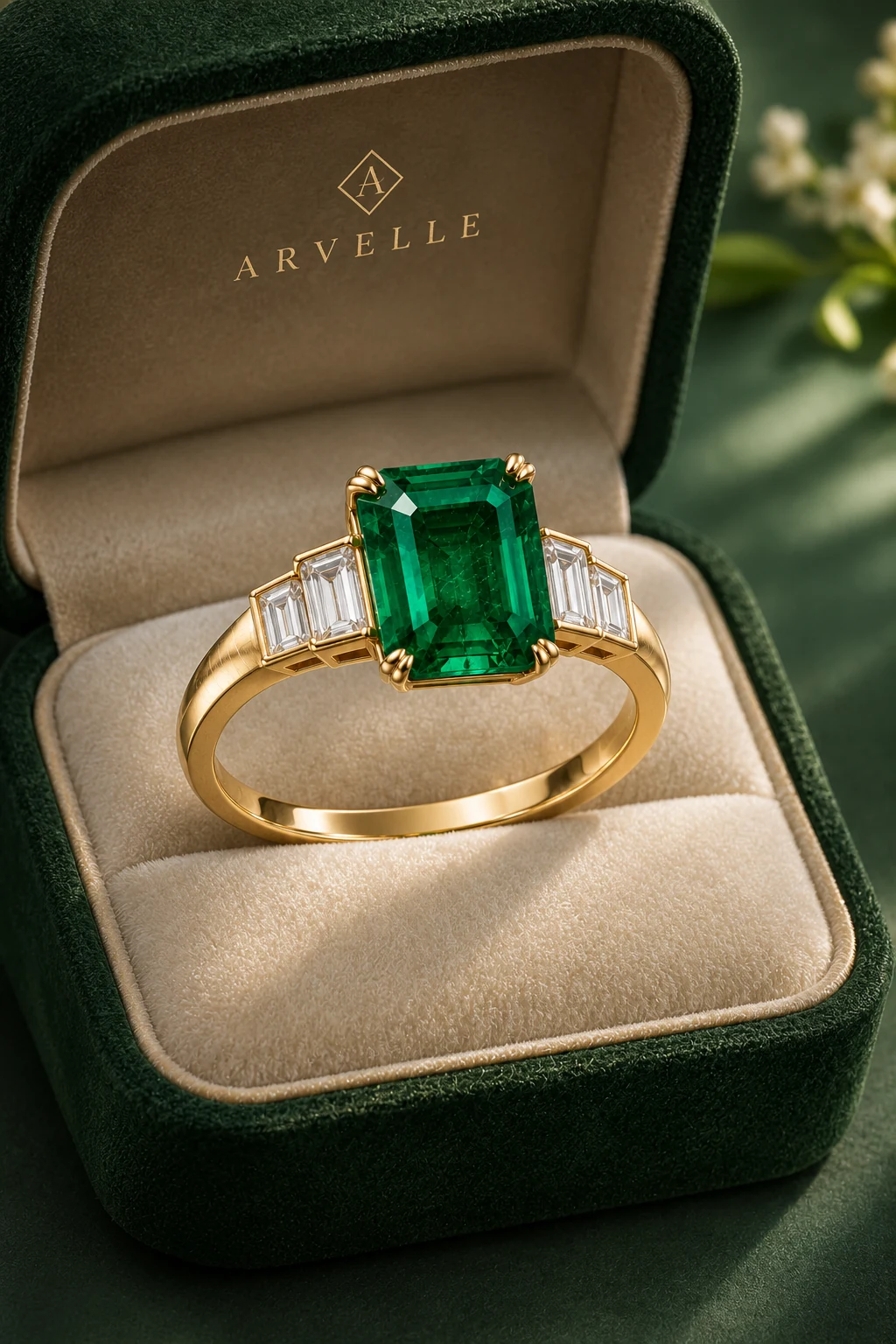
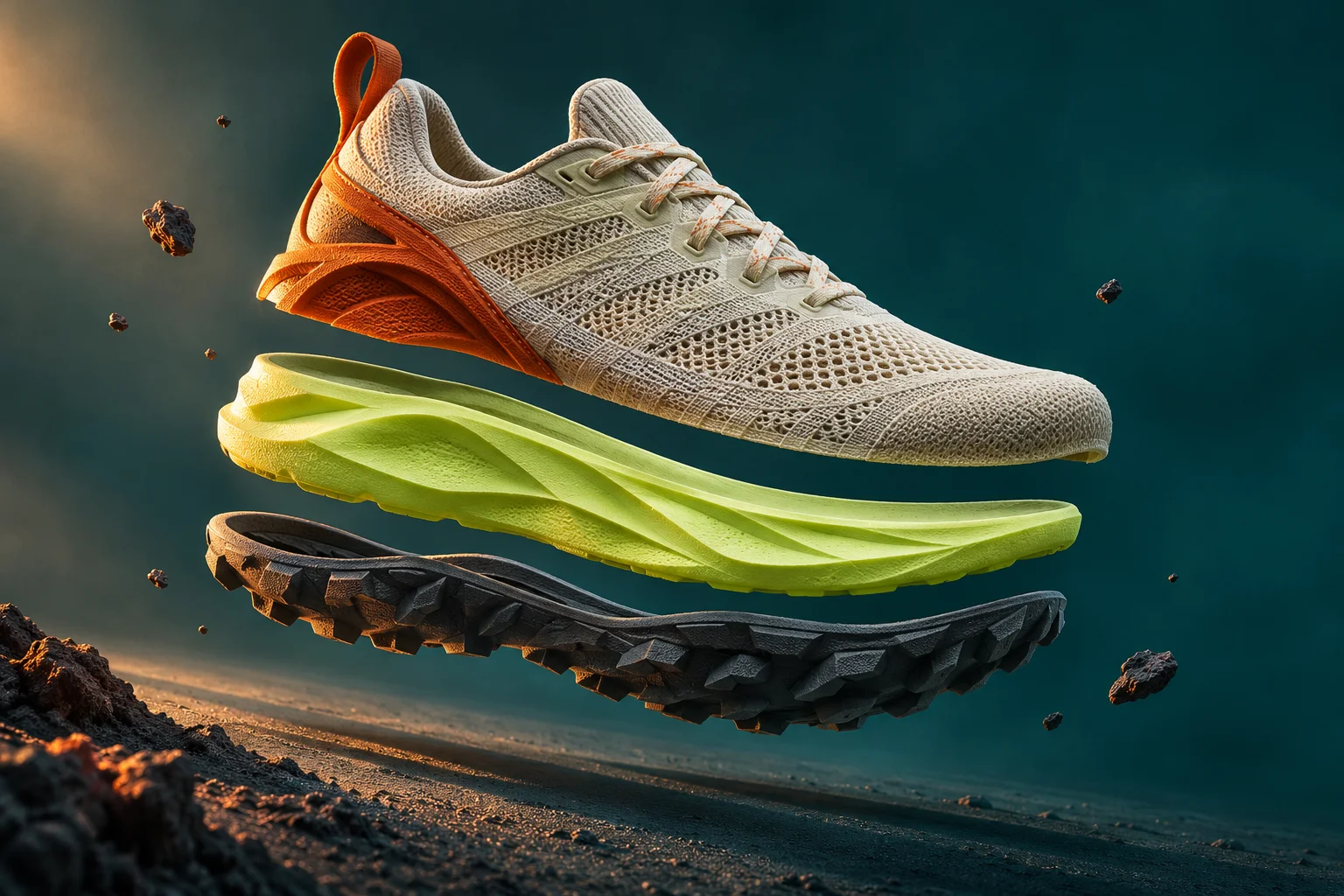
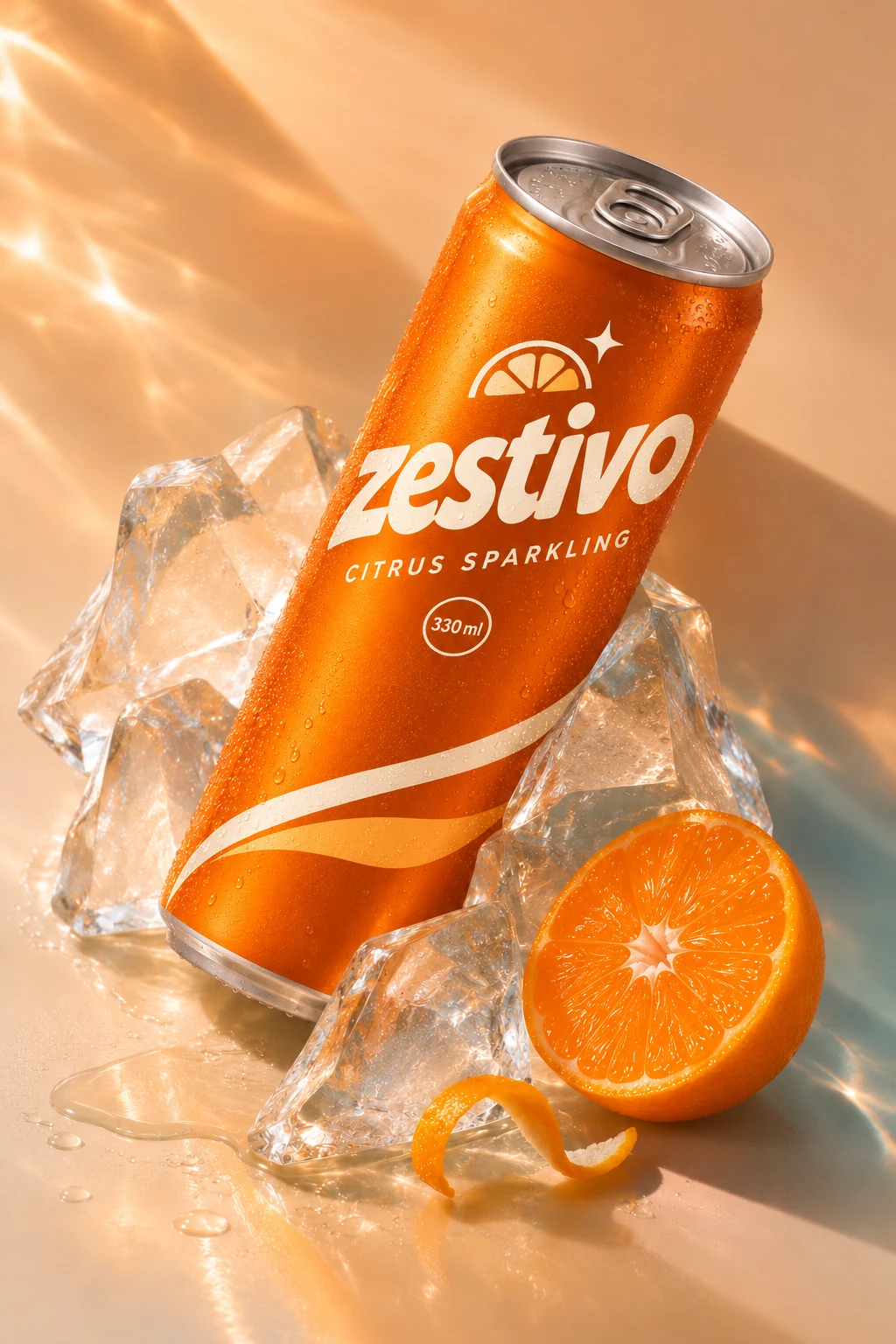
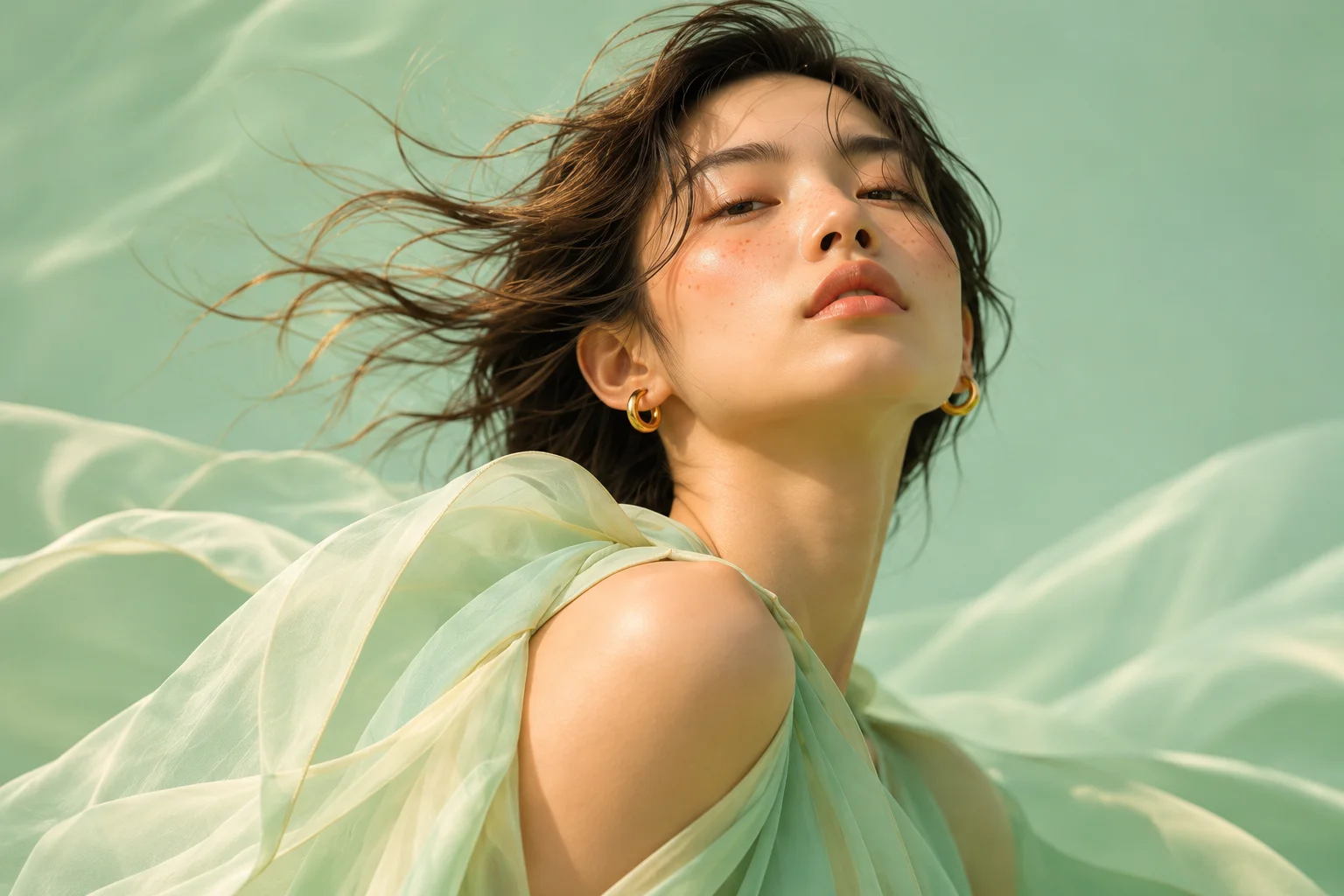
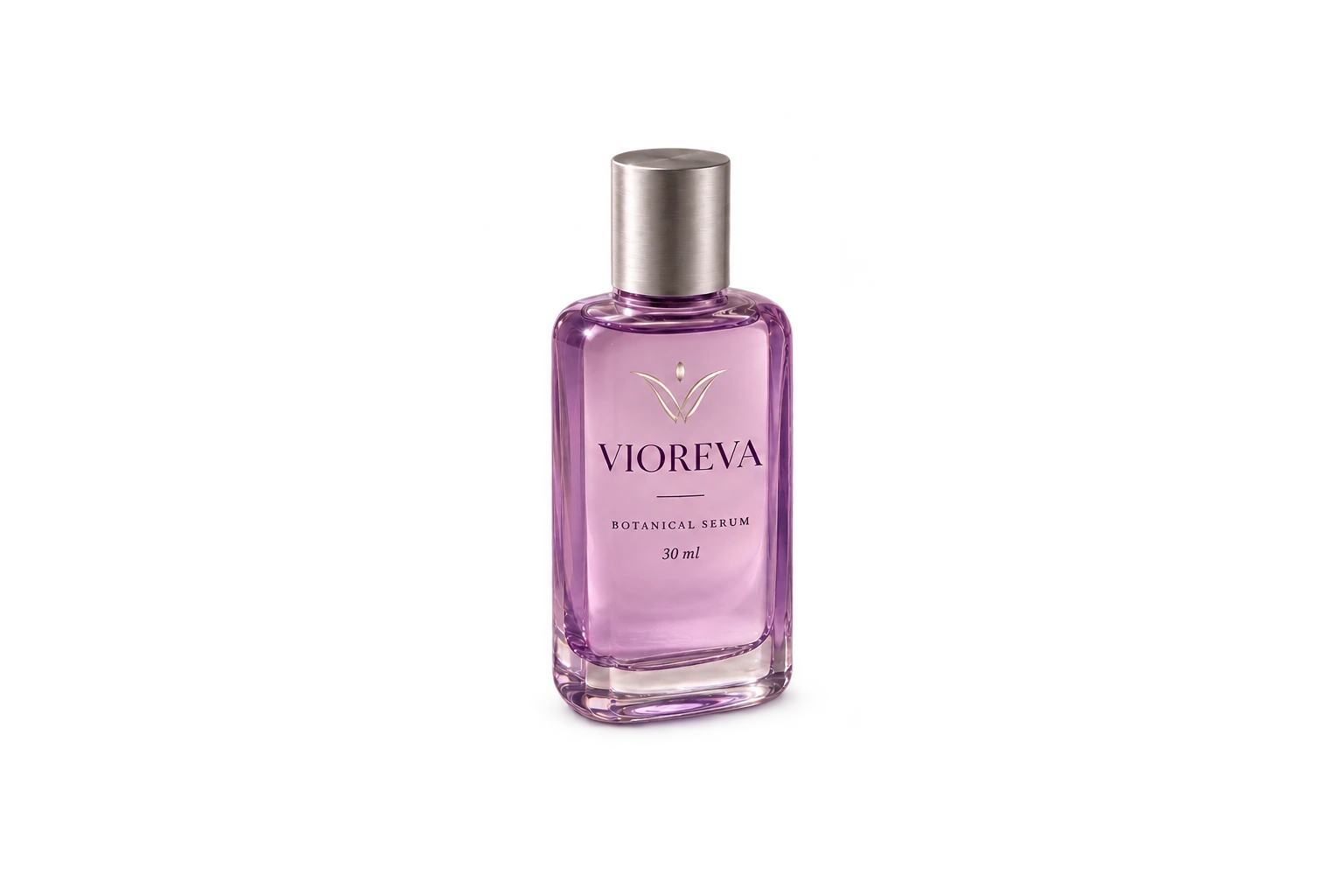
FROM THE EVERYDAY TO THE UNEXPECTEDSame product.
Same product.
Different world.
Give an everyday object an extraordinary setting. Drag to see how light, materials and a little imagination change the story.
Try this creative directionTwo AI concepts illustrating different art directions for the same product.

From product shots to visual stories
Create images and videos for your store, your brand and your next story.
For online sellers
Show your products at their best
Create clean product shots, lifestyle scenes and campaign visuals from your own photos.
- Product & lifestyle images
- AI model try-on
- Product videos & ad creatives
For content creators
Bring your story to life
Develop characters, plan scenes and connect your images and video ideas in Canvas.
- Scripts & storyboards
- Consistent characters
- Short-form video scenes
Creation guides
Step-by-step playbooks to get pro results on your first try.
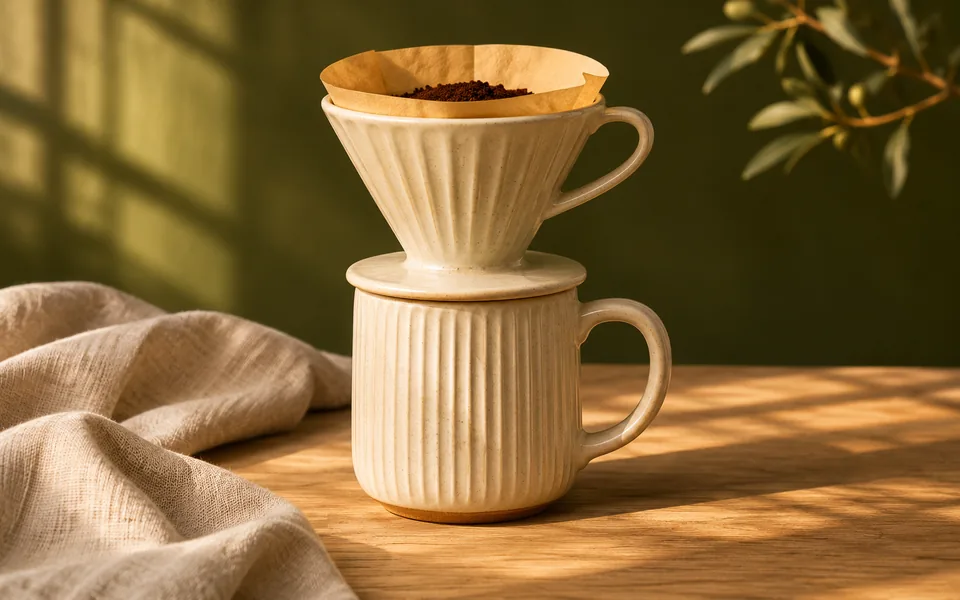
E-commerce
Turn a plain product photo into lifestyle scenes
Upload one white-background shot and generate on-brand lifestyle images in minutes.
Read →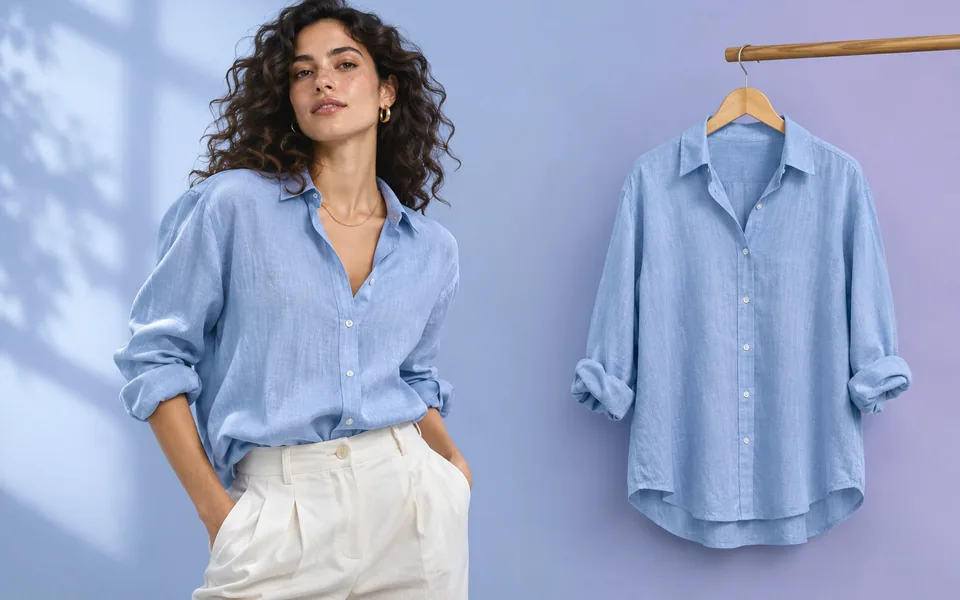
Try-on
AI model try-on from a flat-lay
Put flat-lay apparel on diverse AI models — no photoshoot, no studio.
Read →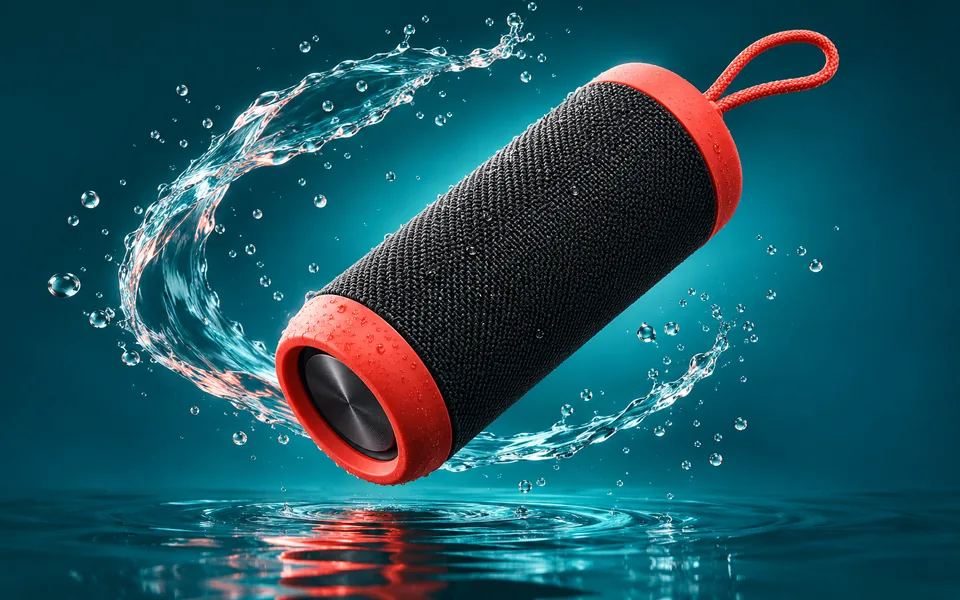
Video
From one image to a product video
Animate a single product image into a smooth, scroll-stopping clip.
Read →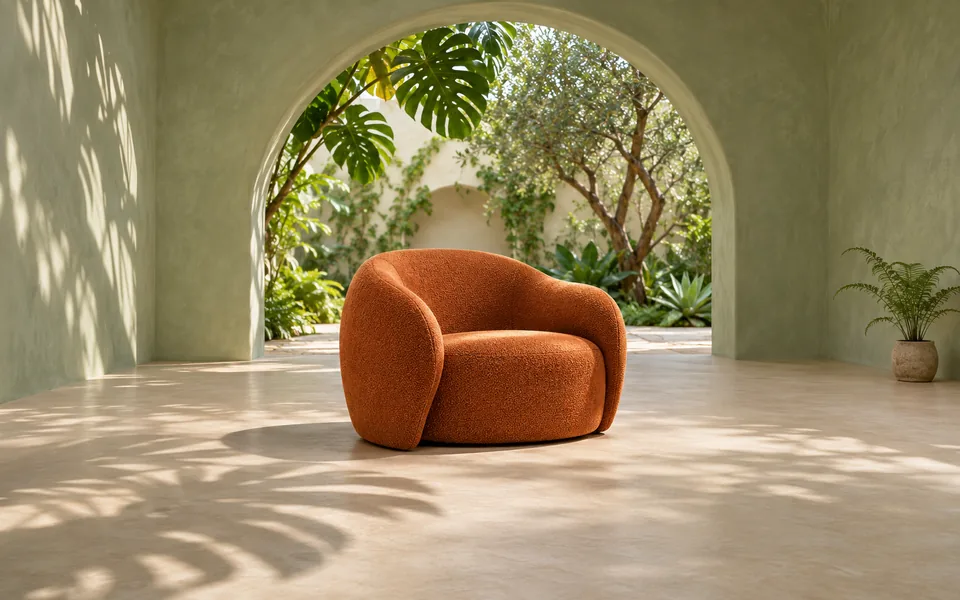
Editing
Remove background & expand any image
One-click cutouts and uncrop to any aspect ratio for every channel.
Read →Simple pricing
Monthly or yearly subscription — credits refresh each period.
Subscriptions auto-renew, cancel anytime. Monthly credits refresh each month; annual credits are valid for 12 months.
New users only
Trial Pack
$2150 creditsOne-time payment · no auto-renew
One per account, for accounts that have never paid. Credits are valid for one month, delivered immediately on payment and non-refundable. Does not include subscription perks — queue priority and resolution cap stay at the free tier.
Starter
$9/ mo
Billed monthly · auto-renews
For casual creators and personal projects.
≈ $0.0138 / credit
≈ 72.22 credits / $1
Includes
- ✓650 credits / month
- ✓All image & video models
- ✓Up to 2K resolution
- ✓Standard generation queue
- ✓Commercial rights on results
Most Popular
Pro
$19.99/ mo
Billed monthly · auto-renews
For creators, social media & e-commerce.
≈ $0.0129 / credit
≈ 77.54 credits / $1
Everything in Starter, plus
- ✓1,550 credits / month
- ✓Up to 4K resolution
- ✓Priority generation queue
- ✓Fast-mode priority
Ultimate
$49.99/ mo
Billed monthly · auto-renews
For teams and commercial volume.
≈ $0.0110 / credit
≈ 91.02 credits / $1
Everything in Pro, plus
- ✓4,550 credits / month
- ✓Highest-priority processing
- ✓Highest resolution & concurrency
- ✓Priority support
Frequently asked questions
Each plan includes a monthly credit allowance; credits are spent per generation. Higher tiers add faster queues and higher resolution.
Yes — an account lets you generate, save history and manage credits. Try the demo generator on this page to see the flow first.
Yes, commercial rights are granted across all paid tiers — ideal for product listings and marketing.
Top image and video models are routed automatically (e.g. FLUX, Seedream, GPT Image for images; Kling, Seedance, Wan for video).
Upload a product photo to generate lifestyle scenes, on-model try-on shots and short product videos — replacing expensive photoshoots.